Spotlight
A downloadable tool for Windows and Linux
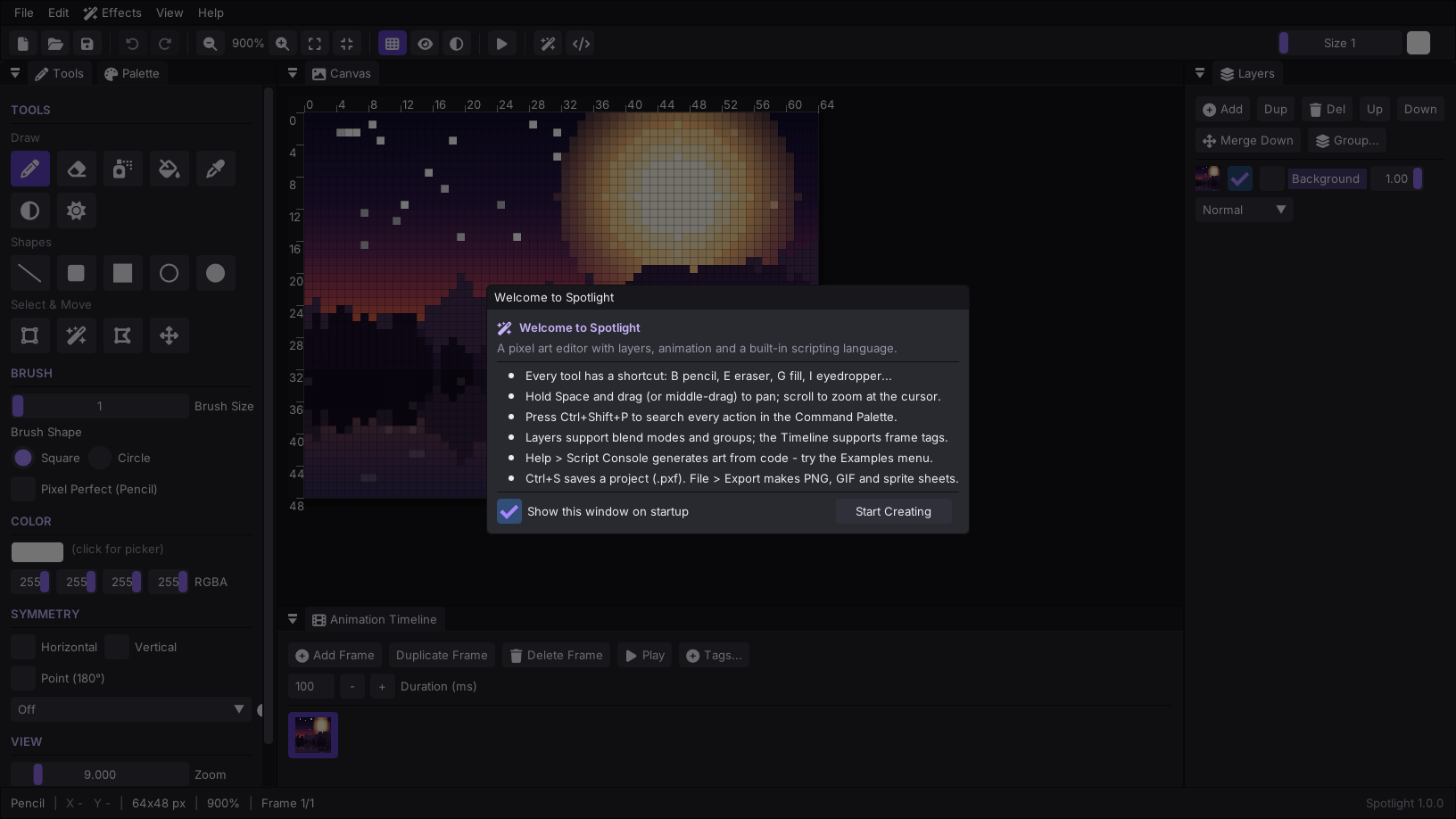
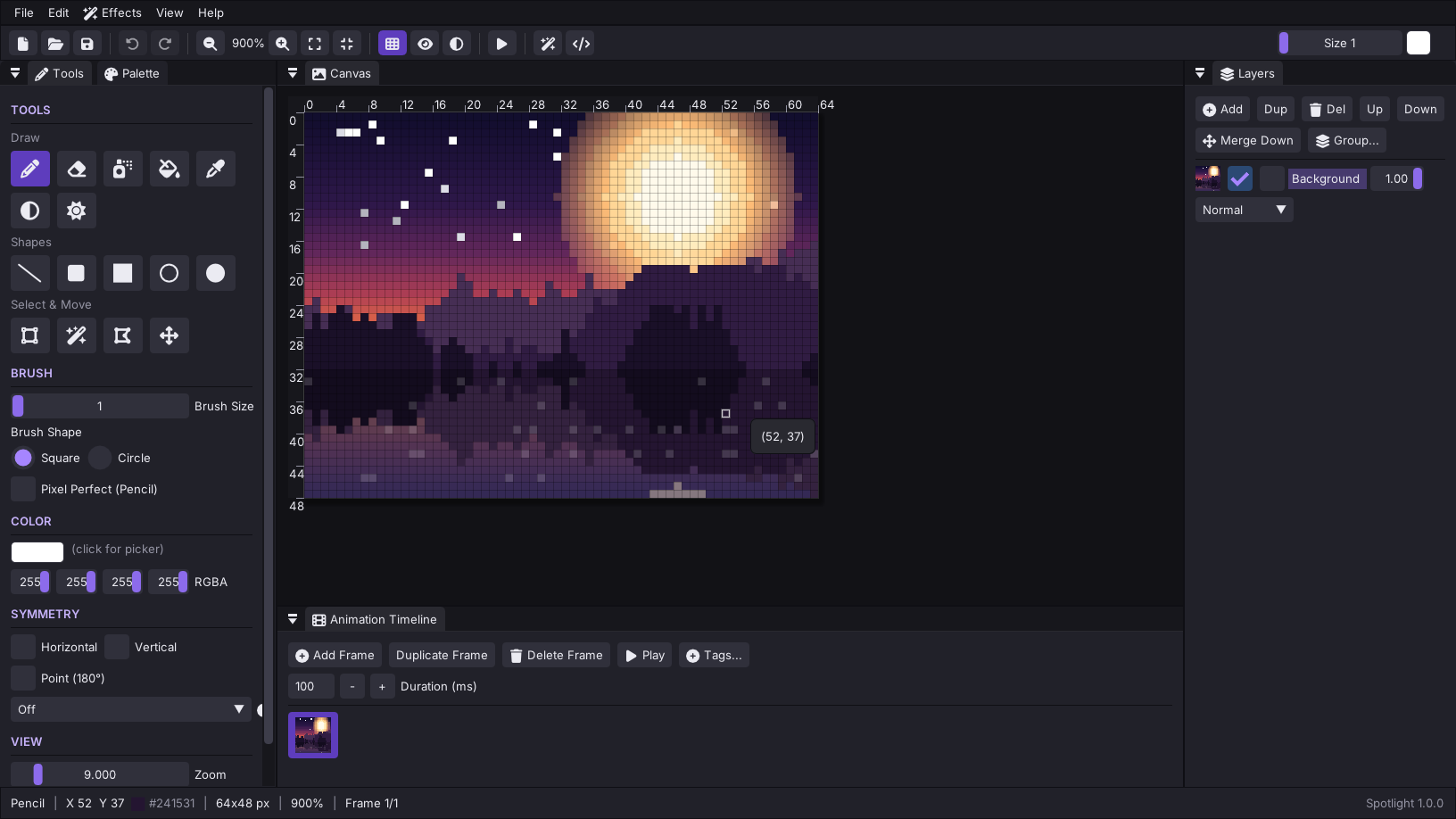
Spotlight is a fast, native pixel art editor for sprites, tiles, icons and animations. It starts instantly, needs no installer or account, and keeps everything on your machine.
Draw
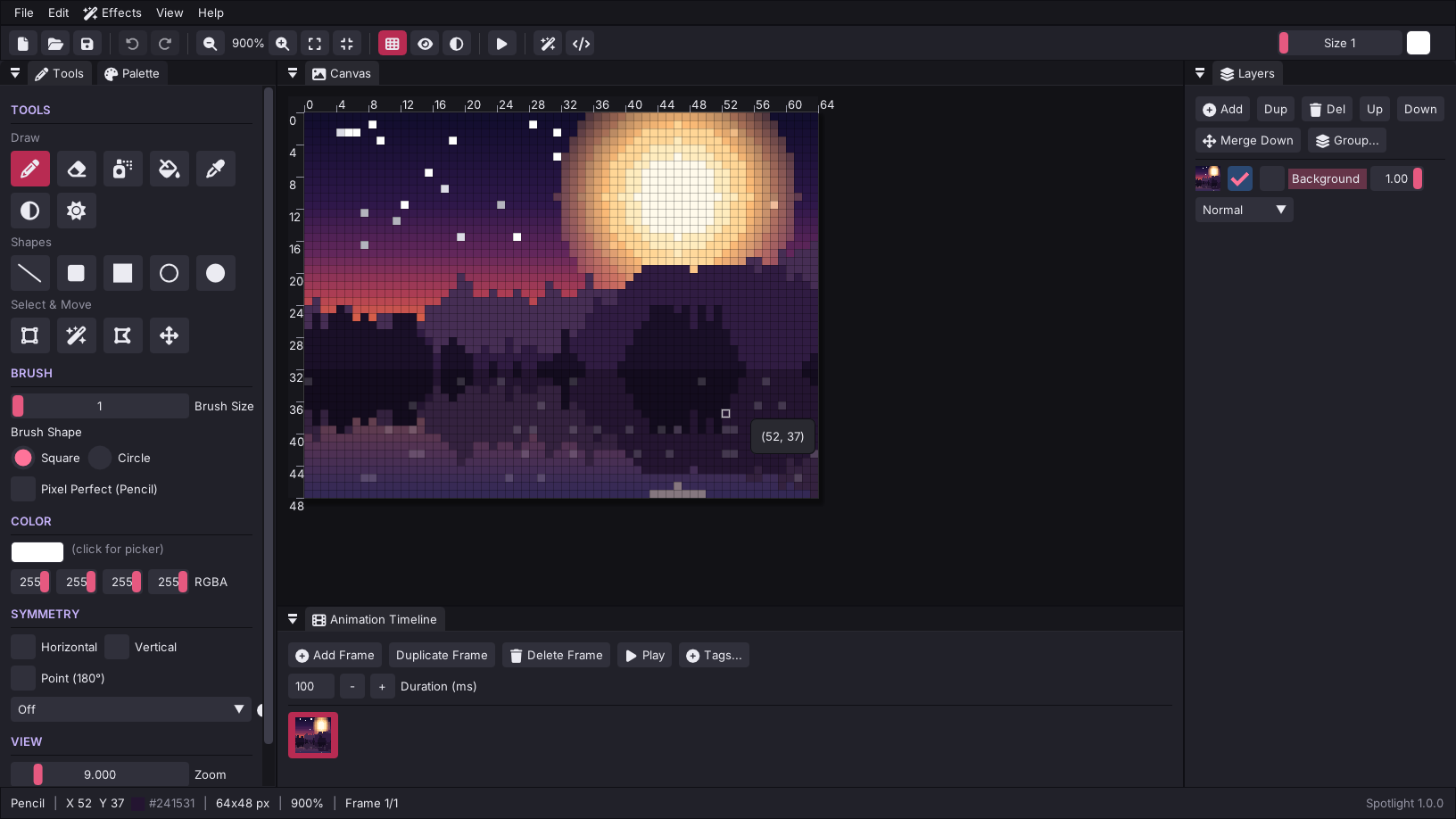
- Pencil (with pixel-perfect mode), eraser, bucket, eyedropper, line, rectangle, ellipse, gradient (smooth or dithered), spray and dodge/burn
- Symmetry drawing: horizontal, vertical, point and radial (3-12 fold) for mandalas, gems and spirals
- Rectangle, lasso and magic-wand selections with move, copy, paste, flip and rotate
- Effects: outline, color replace, brightness/contrast, hue shift
Layers and animation
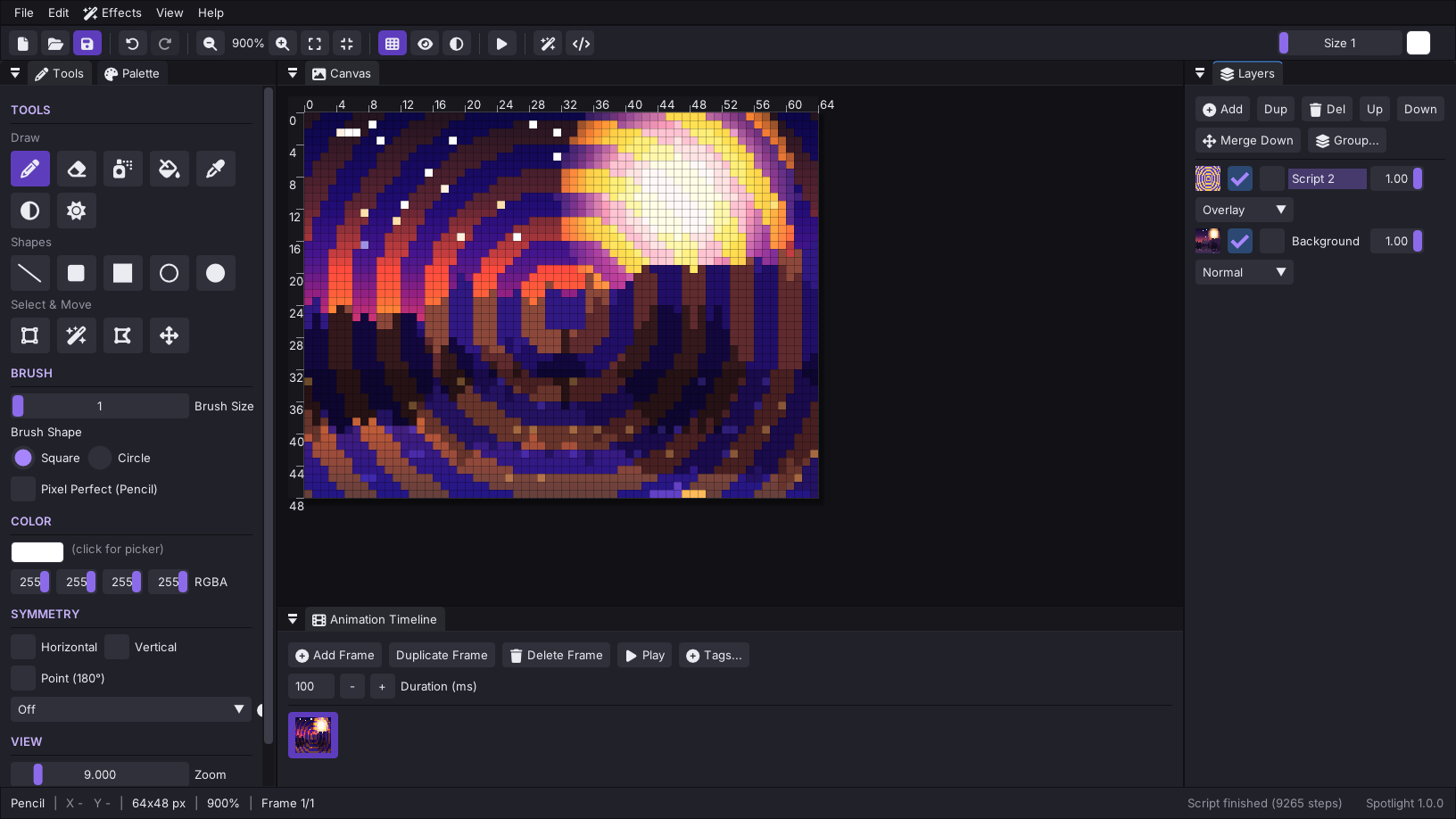
- Unlimited layers with opacity, alpha lock, blend modes (Multiply, Screen, Overlay, Add, Subtract, Difference, Lighten, Darken) and named groups
- Frame-based animation with a thumbnail timeline, per-frame timing, frame tags, onion skinning and live playback
- Export PNG, animated GIF, sprite sheets and numbered frame sequences; import images and slice sprite sheets into frames
Script your art
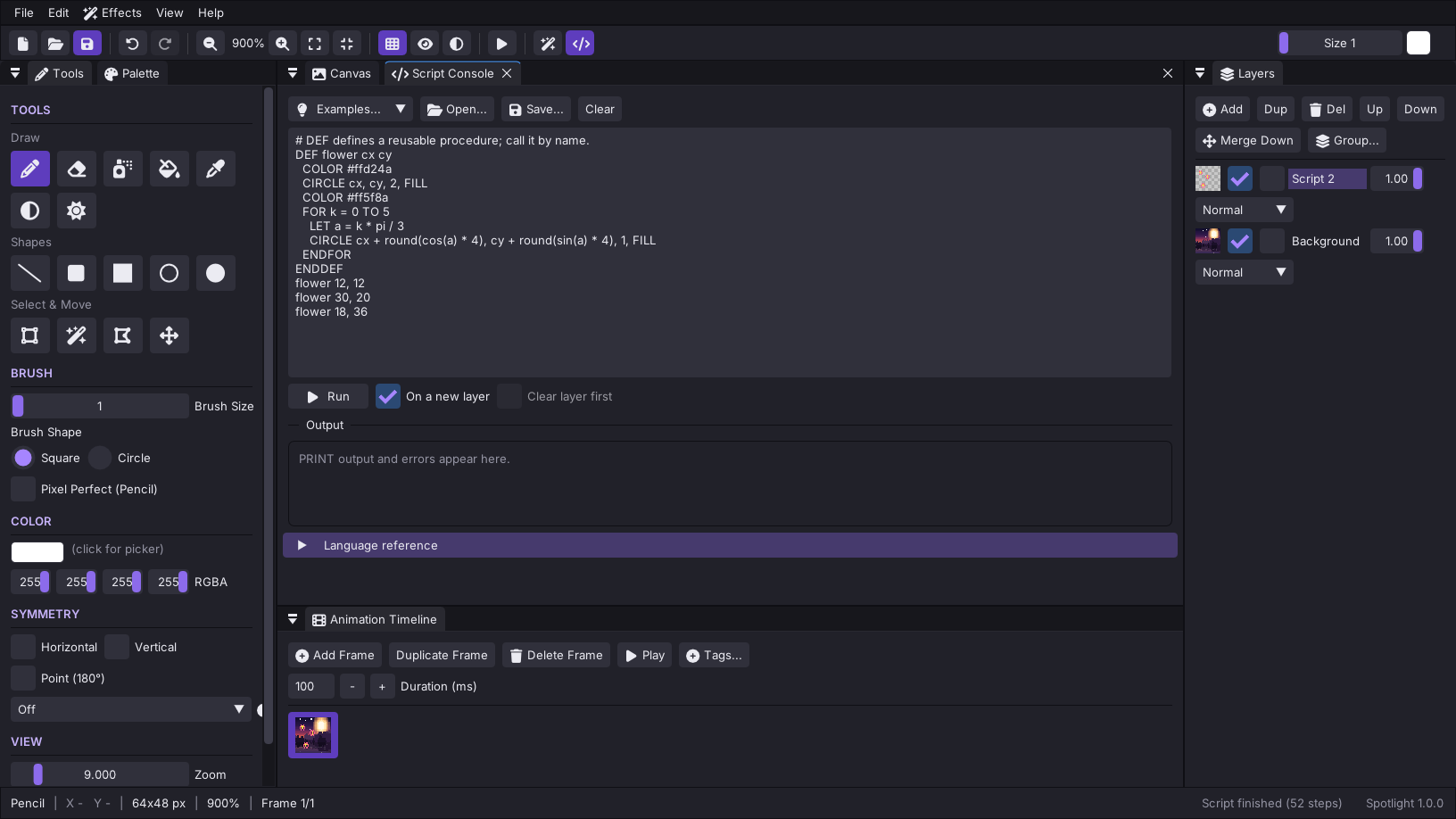
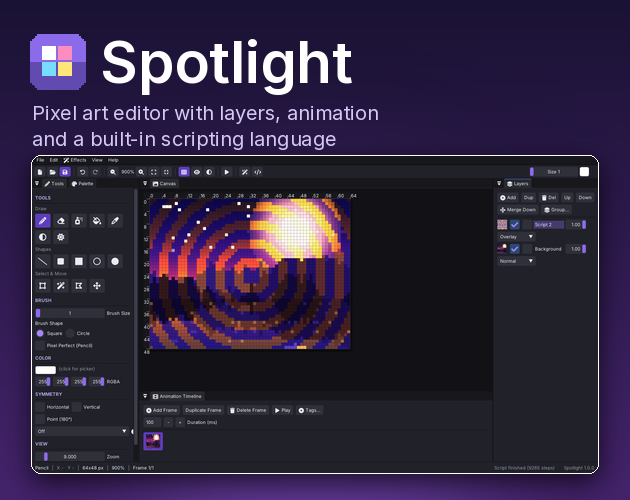
A built-in scripting language lets you generate pixel art from code: variables, loops, IF/ELSE, procedures, math and random functions, colors, pixel readback and clear error messages with line numbers. Eight example scripts are included - checkerboards, rainbow gradients, spirals, starfields, and a color-invert filter.
Built to be comfortable
- Command palette (Ctrl+Shift+P) to search every action
- Top toolbar, live status bar with pixel coordinates and color
- Pan with Space or middle mouse, zoom toward the cursor
- Palette presets (Game Boy, PICO-8, CGA, NES, DB16), palette import/export (.hex), extract a palette from any image
- 6 accent themes plus a custom accent color
- Autosave with crash recovery and unsaved-changes protection
Getting started
Windows: unzip anywhere and run Spotlight.exe (keep SDL2.dll beside it).
Linux: extract and run ./Spotlight.sh (SDL2 is bundled).
Windows may show a SmartScreen notice because the program is not code-signed: choose More info -> Run anyway.
System requirements
- Windows 10 or 11, 64-bit (older versions are untested)
- Linux, 64-bit, glibc 2.39 or newer (Ubuntu 24.04 or equivalent), X11 or Wayland
- Any GPU; falls back to software rendering automatically
Notes
- Projects save as
.pxffiles. Settings and autosave live in your user profile folder, never next to the program. - Not yet supported: pen pressure, macOS.
Download
Click download now to get access to the following files: